This is the fifth post in the series about tpm-ca-certificates.
If you’re new to this series, I recommend starting with the first one.
In addition to the mechanisms we’ve seen previously, the project includes a daily pipeline that applies a series of sanity checks to ensure everything is functioning correctly. If not, the project sends a notification to the maintainers (currently just me ^_^) for investigation.
Let’s take a closer look at these checks.
Sanity Checks
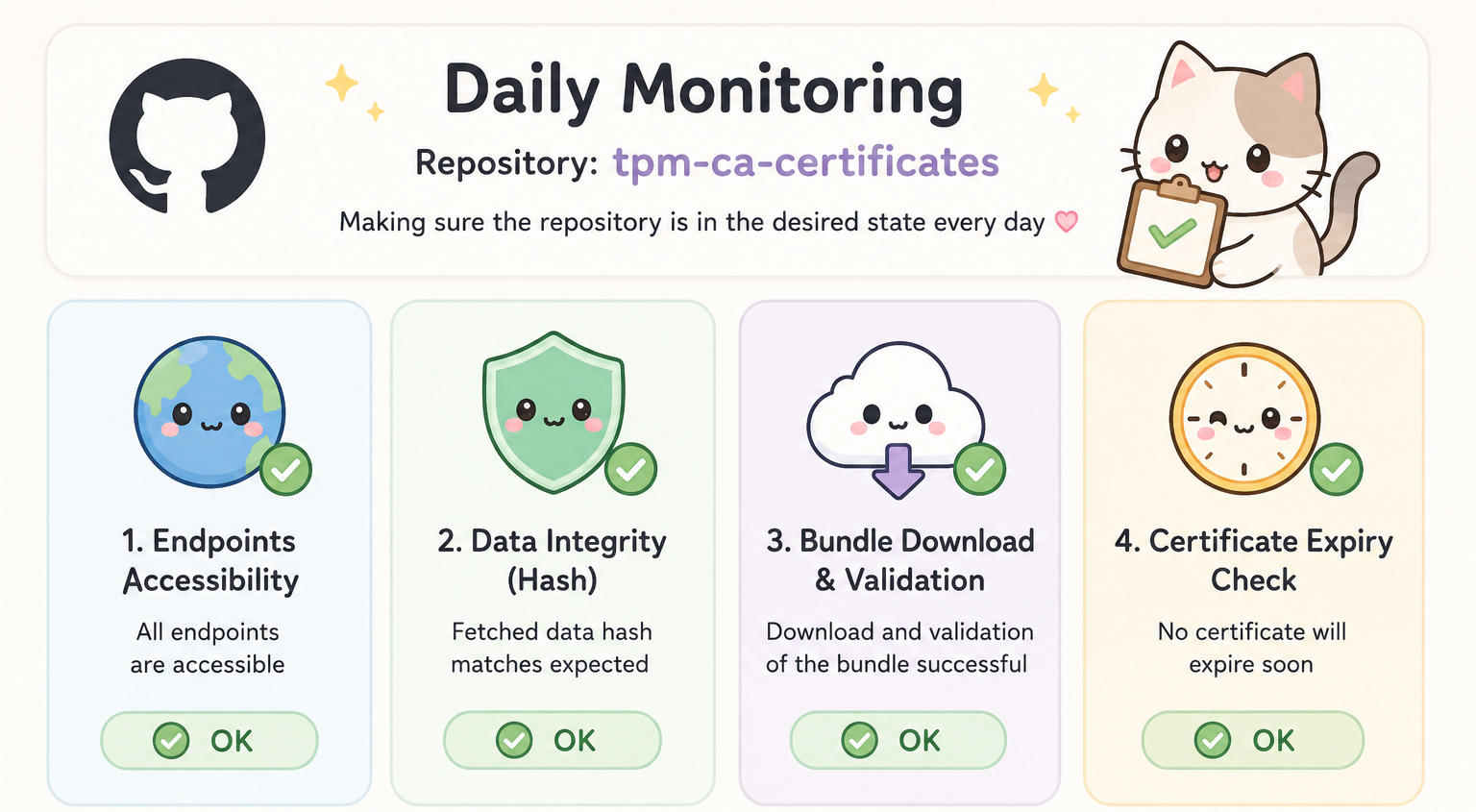
Note: image generated by ChatGPT
1. Certificate Availability
As we saw in part 2, the project builds the bundle from external resources (i.e. URLs) made available by various TPM vendors. It is therefore crucial to regularly verify that these resources are available and accessible.
2. Certificate Integrity
In the configuration file, each certificate is assigned a hash that is used to ensure there is no tampering. We regularly verify these hashes to detect any modifications.
3. Bundle Integrity Verification
The idea here is to ensure that the latest version of the bundle has not been tampered with and that it comes from the expected sources. A job is therefore responsible for downloading the bundle and verifying its integrity and provenance.
Part 3 covered this point in detail.
4. Certificate Expiration
Another important aspect to monitor is certificate expiration. The bundle must decommission expired certificates to ensure data security and consistency. To this end, the project regularly checks expiration dates based on a configurable threshold (365 days by default).
The
tpmtb config sanity --threshold <number of days>command automates the verification of points: 1, 2, and 4.The
tpmtb download --type <type>command validates point 3.
A Proven Approach
On April 10, 2026, AMD modified the AMDTPM ECC and AMDTPM RSA certificates. The sanity checks job detected a hash change. After investigation, it turned out that the certificate was reissued (same key pair, same serial number, same validity period, etc.) with a recent encoding.
Conclusion
In this post, we saw how the project “self-monitors” through regular sanity checks to ensure that the ecosystem it relies on remains reliable and secure. In the next article, we’ll explore the capabilities of the SDK (Software Development Kit) in detail.